Jun 292012
 

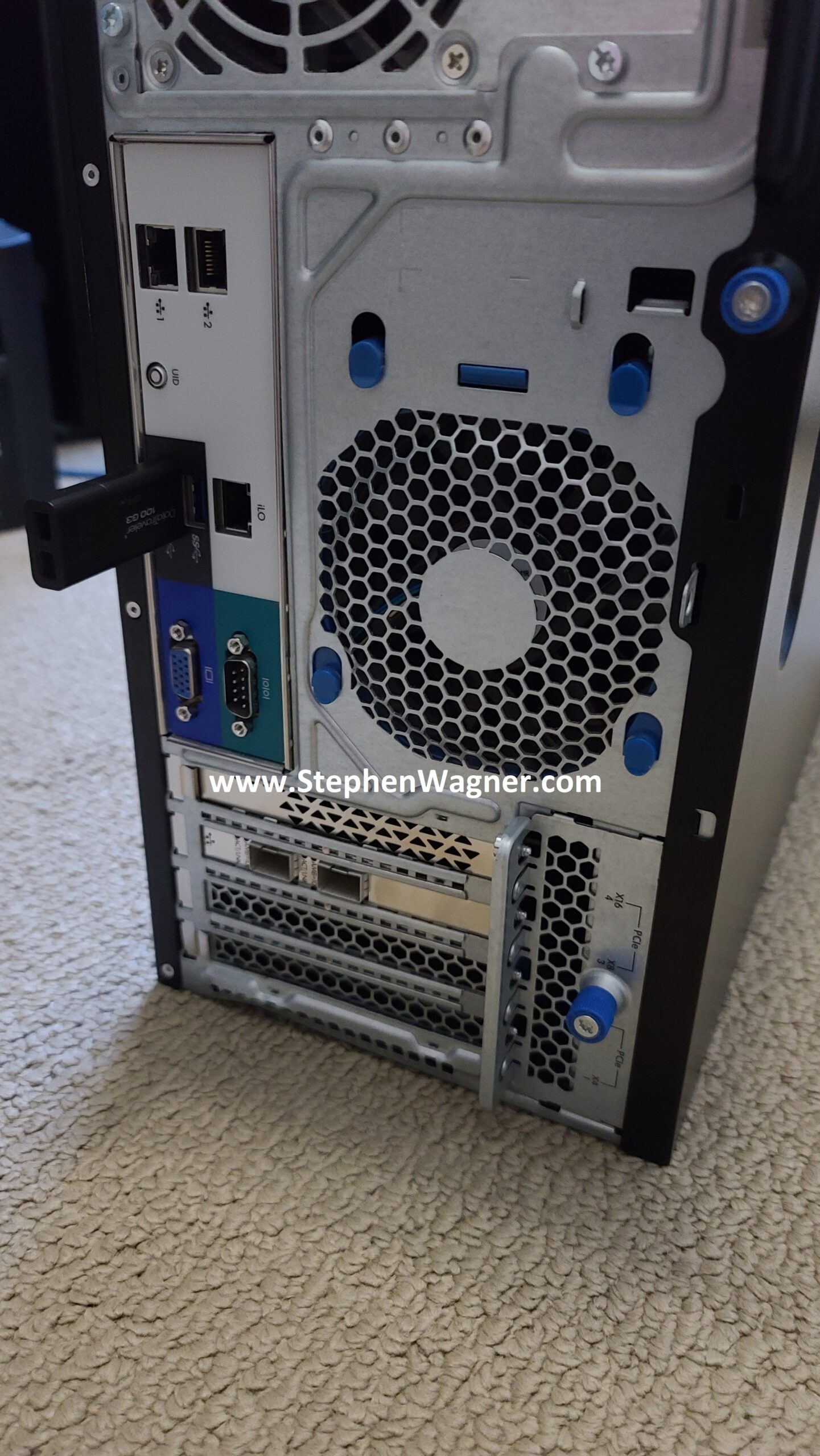
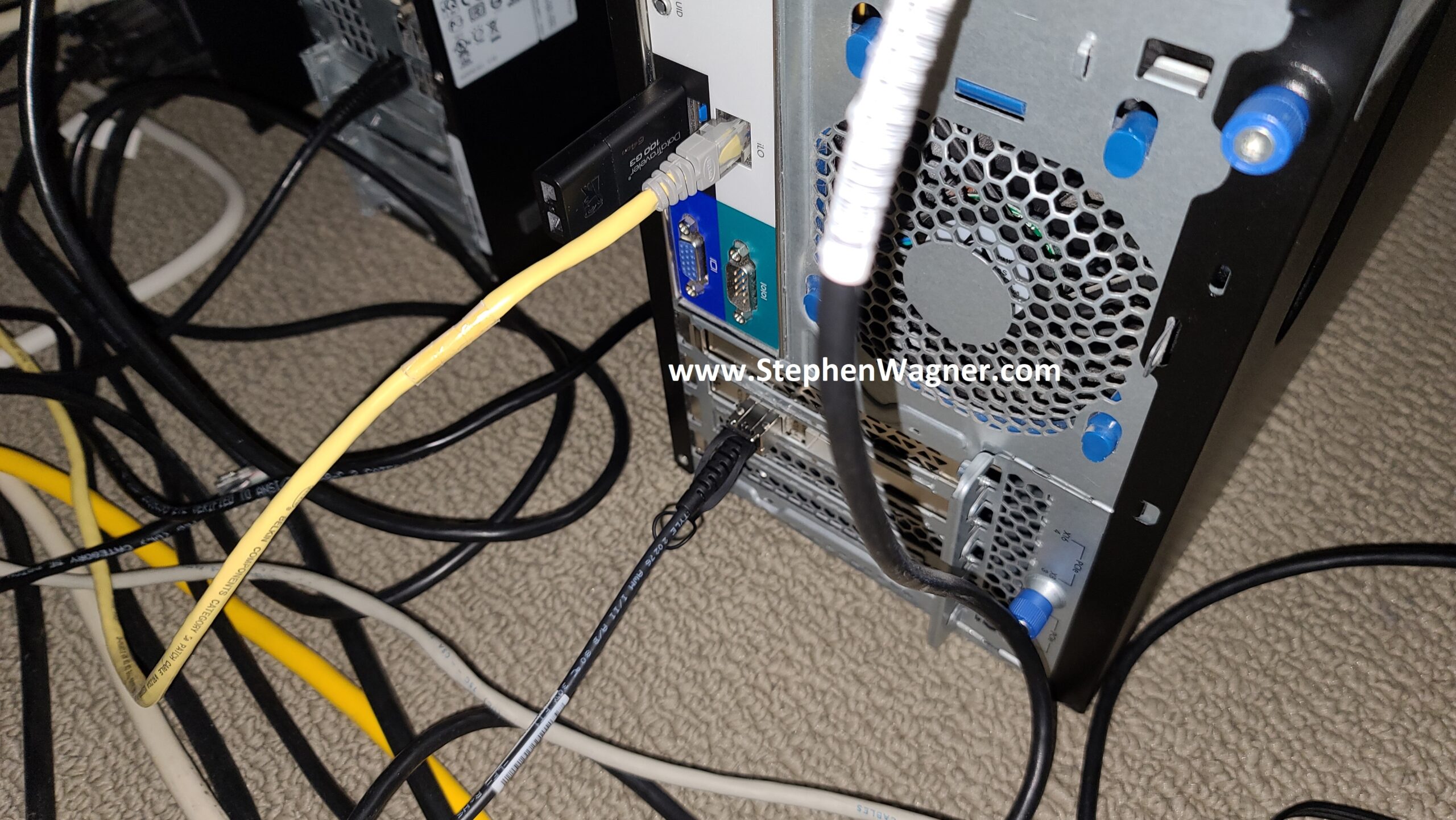
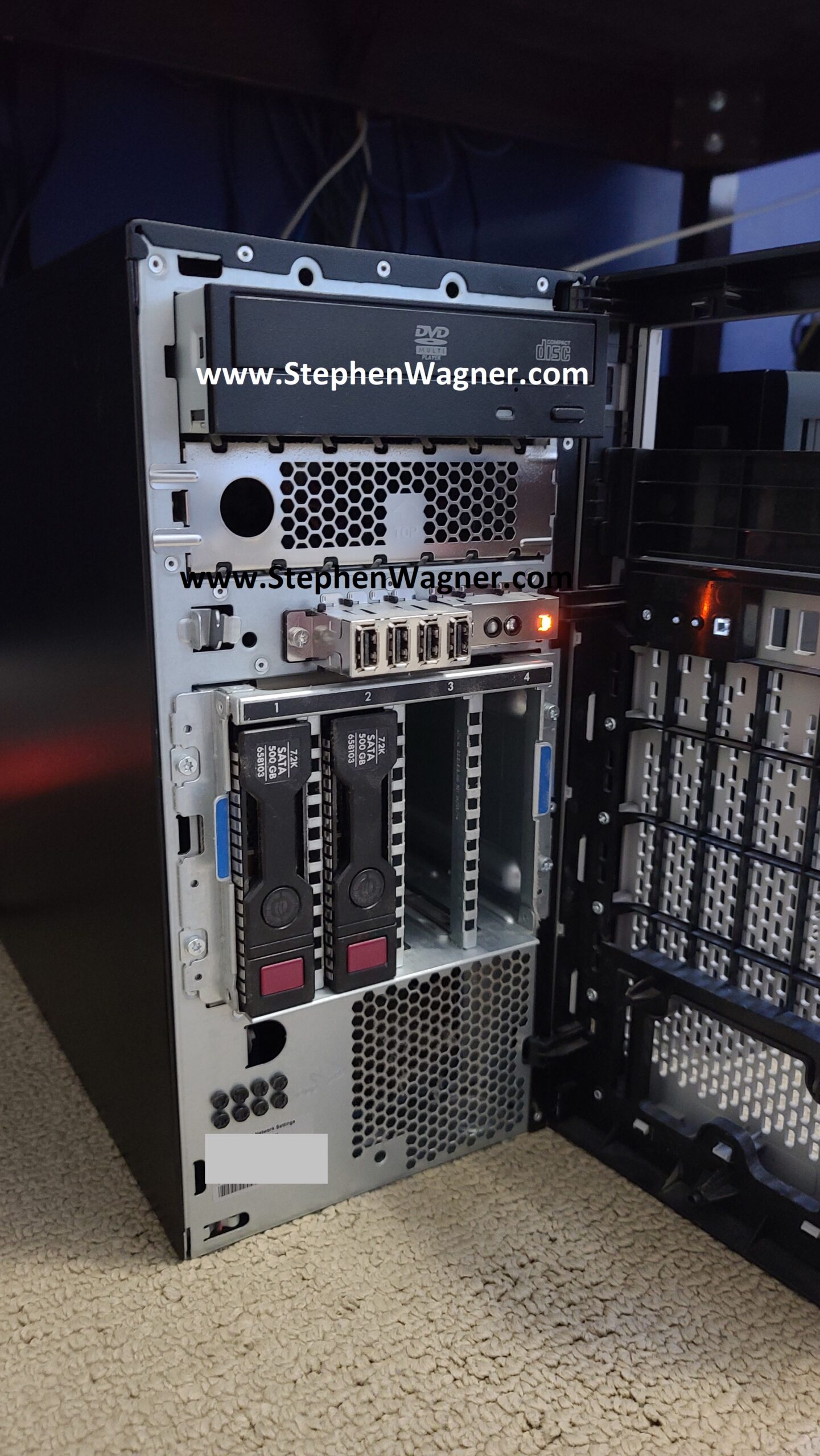
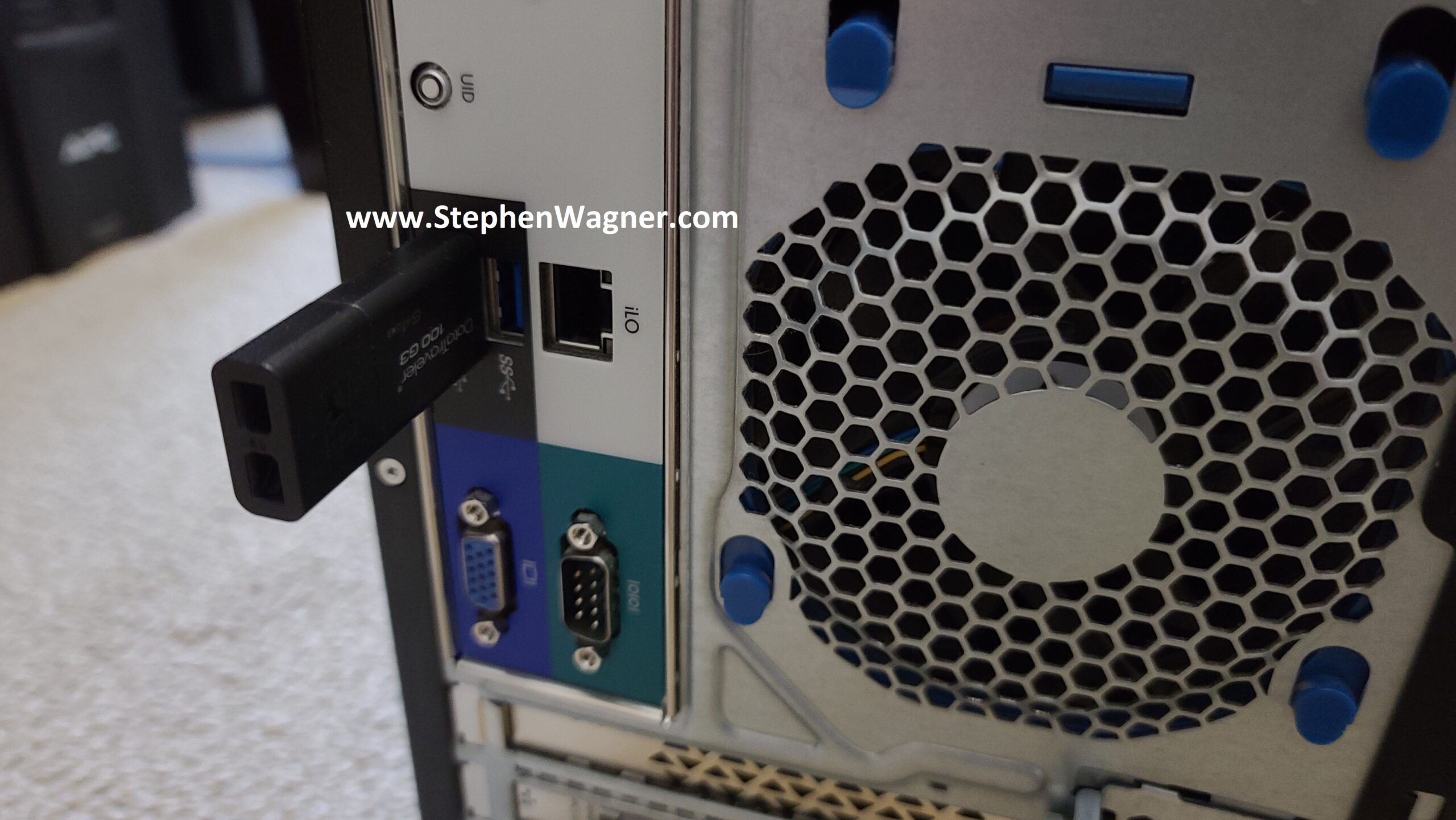
As most of you have read, I received 2 X Raspberry Pi the other day. I’ve been actively hacking and working away on these lovely little devices.

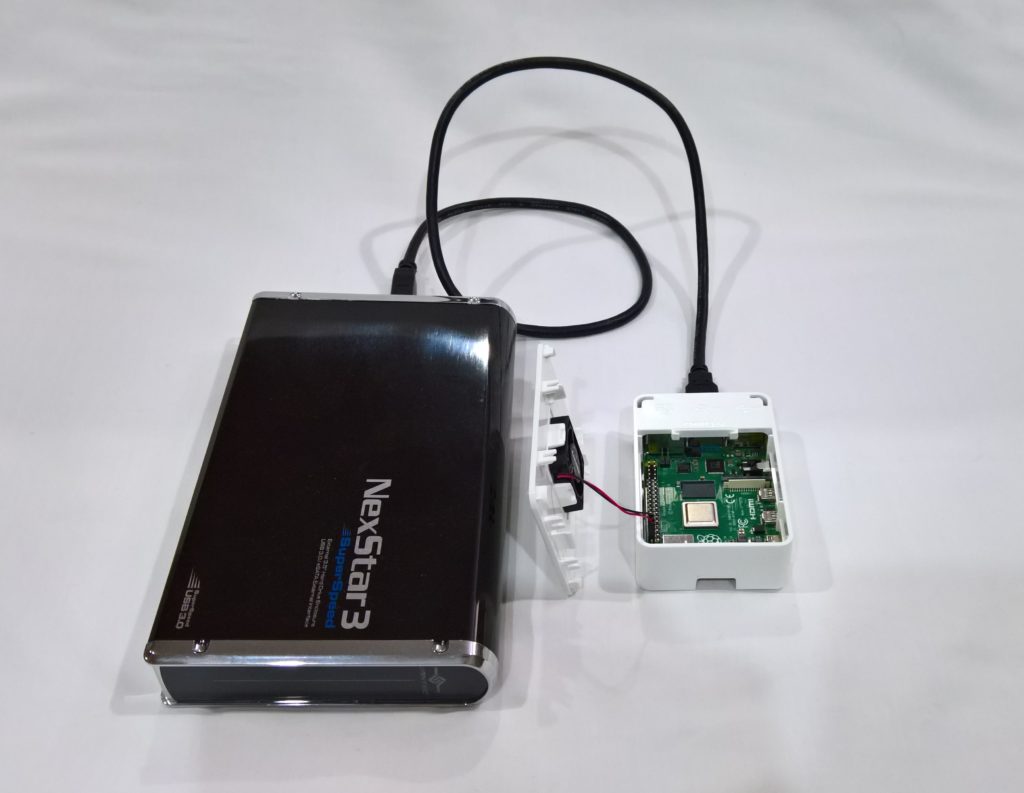
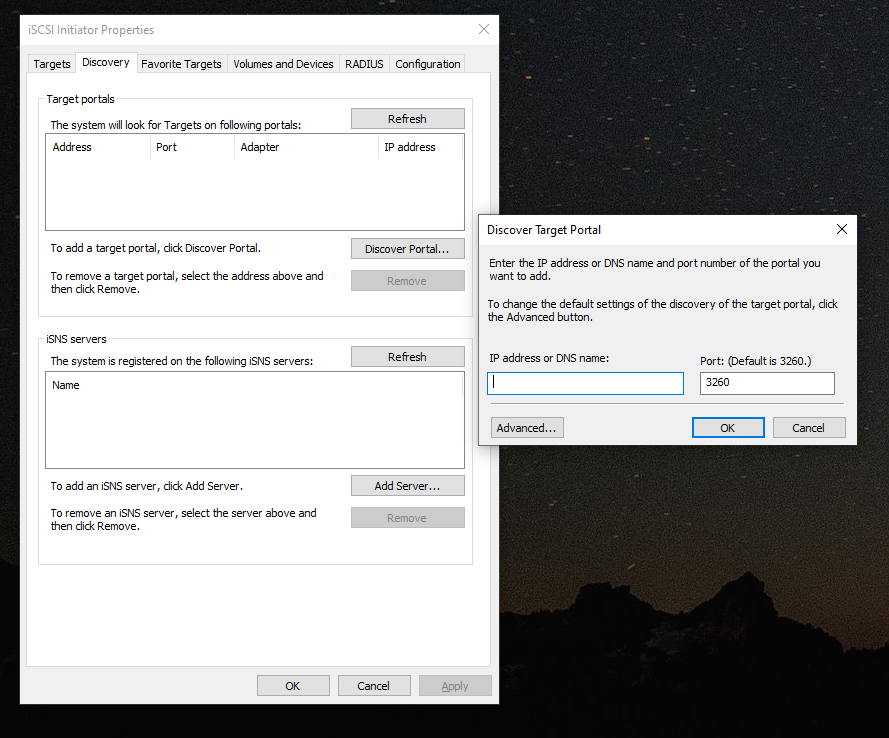
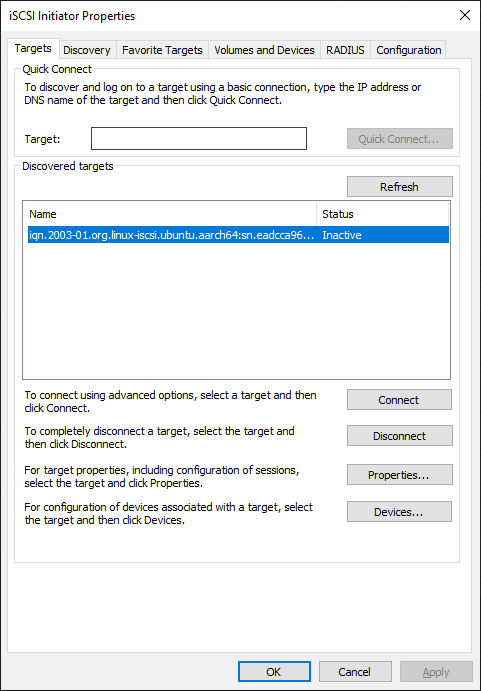
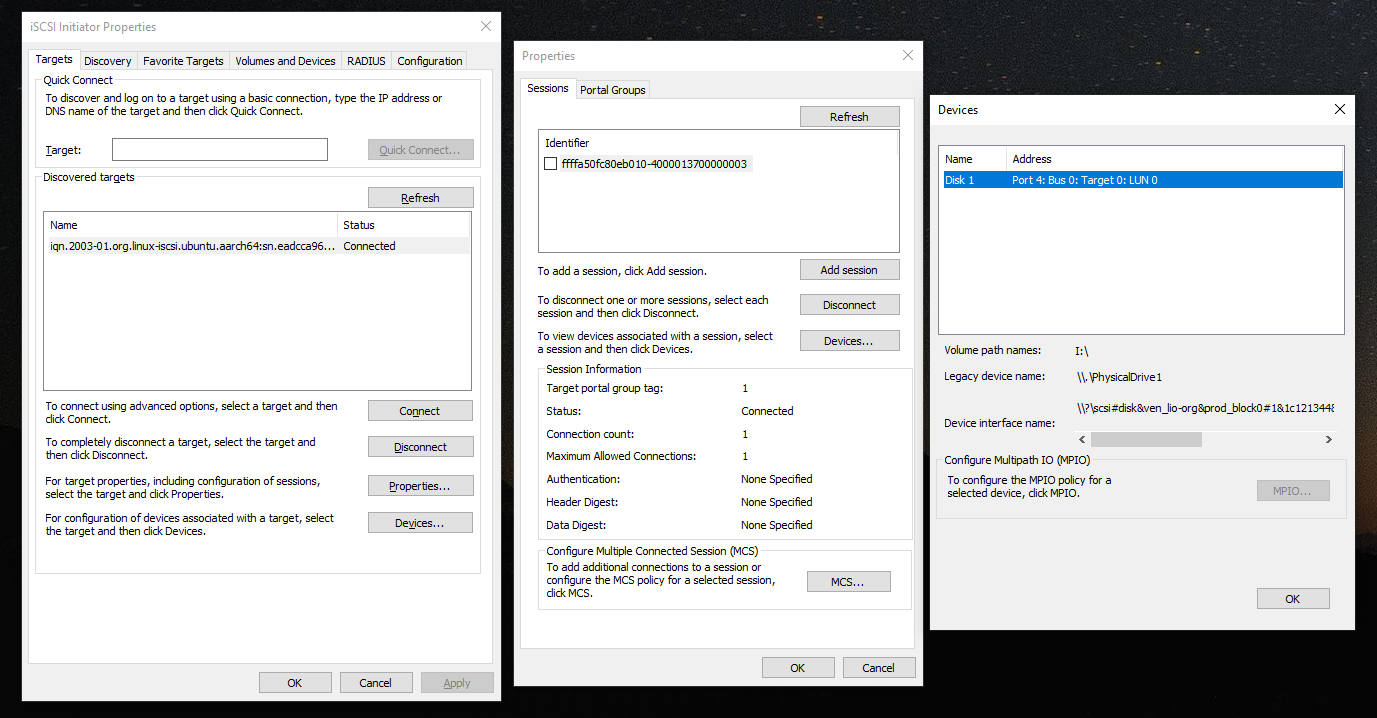
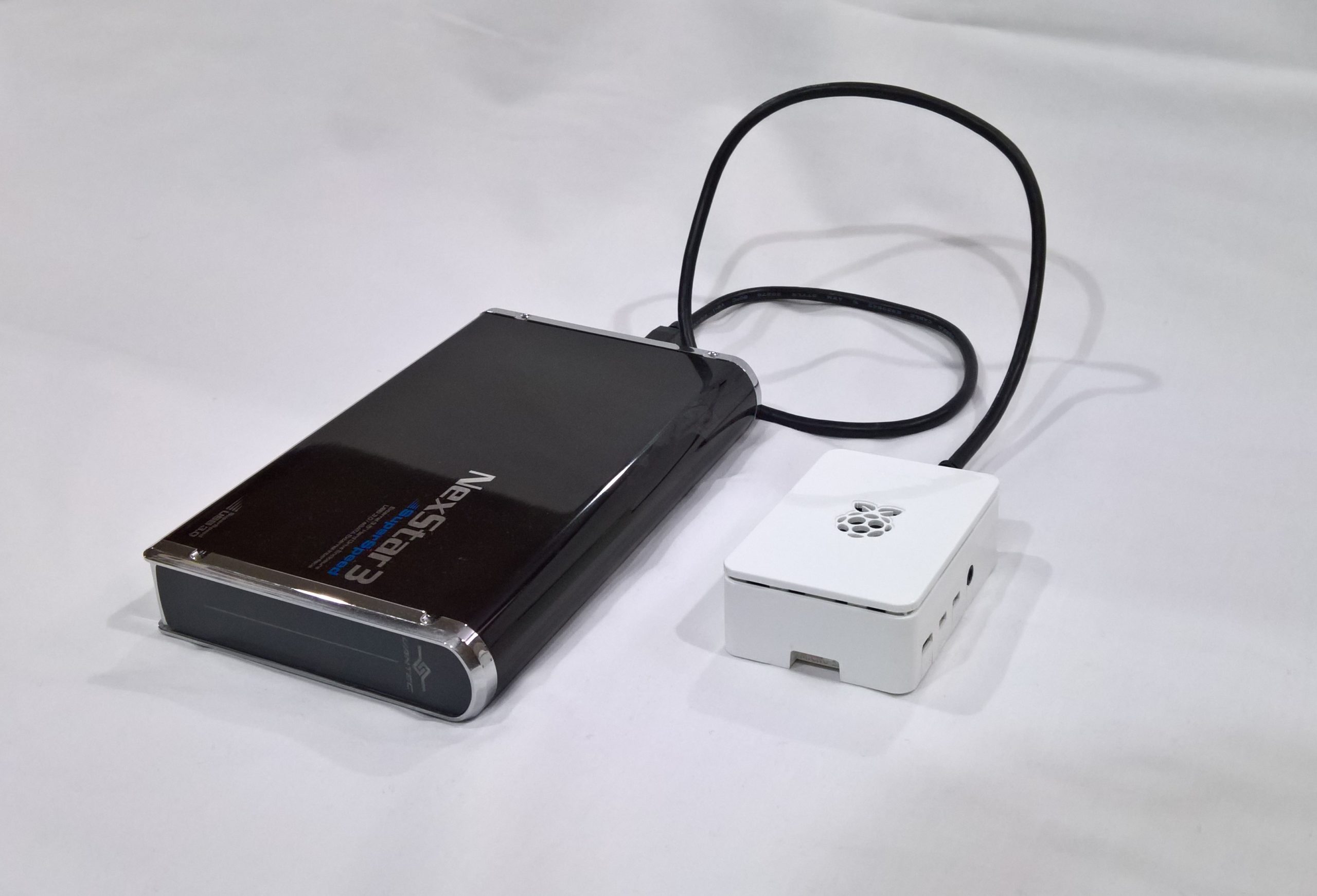
One of the projects I wanted to do, was get Lio-Target (iSCSI Target) running on the Pi. I know that the Pi doesn’t have gigabit networking, but I thought this would still be an interesting proof of concept. Anyways, I got it running, and I have succesfully connected to a USB storage device which was configured as a iSCSI target on my Pi, from my Windows 7 workstation.

This is a brief overview, I will be providing instructions in detail at a later date. Here’s how I did it:

1) Download Fedora 17 for ARM (build for Raspberry Pi).

2) Put latest Firmware and Kernel from Raspberry Pi github repo on to the boot partition. Resize my 16GB card so I have boot, root, and a 2 GB swap.

3) Download snapshot of Raspberry Pi kernel sources. I built the iSCSI Target as modules (I also threw in some other stuff for future projects but it’s not important right now).

3) Install compilers, libraries, etc for kernel build process.

4) Compile kernel

5) Build Raspberry Pi kernel image using Raspberry Pi image tools on github repo, copy to boot.

6) Boot off new kernel

7) Install Target CLI from yum (this was a nice change from compiling on my own), and then build Lio-Utils (this isn’t mandatory, but I like Lio-utils).

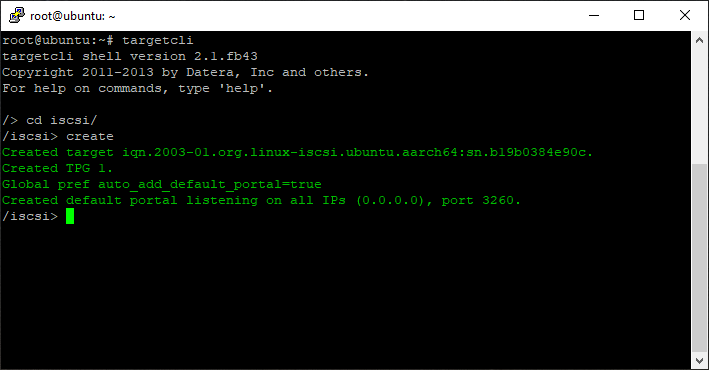
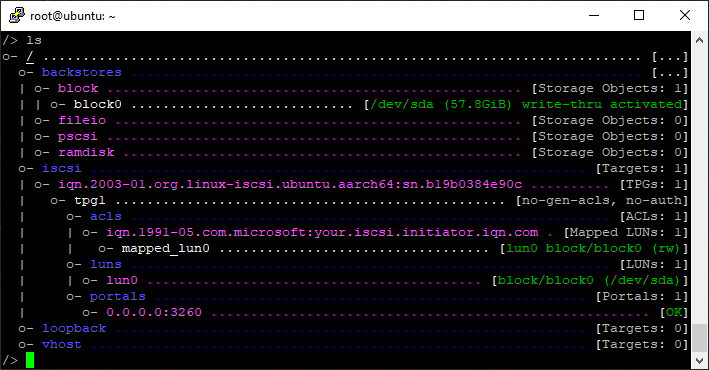
8) Configure target, connect, test.

Here’s a copy/paste of proof I have it running!

[root@fedora-arm lio-utils.git]# uname -a
Linux fedora-arm 3.1.9.001 #1 PREEMPT Thu Jun 28 16:40:46 MDT 2012 armv6l armv6l armv6l GNU/Linux
[root@fedora-arm lio-utils.git]# w
09:12:10 up 34 min,  5 users,  load average: 0.99, 1.51, 1.10
USER     TTY      FROM              LOGIN@   IDLE   JCPU   PCPU WHAT
root     pts/0    host.digitall 31Dec69 22:38   2.27s  0.02s tail -f /var/log/messages
root     pts/1    host.digitall 31Dec69  0.00s  1.19s  0.05s w
root     pts/2    host.digitall 08:58   13:24  13.89s 13.04s top
root     pts/3    host.digitall 31Dec69  0.00s  0.00s   ?    -
[root@fedora-arm lio-utils.git]# /etc/init.d/target status
[---------------------------] TCM/ConfigFS Status [----------------------------]
\——> iblock_0
HBA Index: 1 plugin: iblock version: v4.1.0-rc1-ml
\——-> array0
Status: ACTIVATED  Execute/Left/Max Queue Depth: 0/128/128  SectorSize: 512  MaxSectors: 240
iBlock device: sdb  UDEV PATH: /dev/sdb
Major: 8 Minor: 16  CLAIMED: IBLOCK
udev_path: /dev/sdb

[---------------------------] LIO-Target Status [----------------------------]
\——> iqn.2003-01.org.linux-iscsi.fedora-arm.armv6l:sn.4682cf8cdeec
\——-> tpgt_1  TargetAlias: LIO Target
TPG Status: ENABLED
TPG Network Portals:
\——-> IP-hidden:3260
TPG Logical Units:
\——-> lun_0/30b42bf9f5 -> target/core/iblock_0/array0

Target Engine Core ConfigFS Infrastructure v4.1.0-rc1-ml on Linux/armv6l on 3.1.9.001
RisingTide Systems Linux-iSCSI Target v4.1.0-rc1
[root@fedora-arm lio-utils.git]# cat /proc/cpuinfo
Processor       : ARMv6-compatible processor rev 7 (v6l)
BogoMIPS        : 697.95
Features        : swp half thumb fastmult vfp edsp java tls
CPU implementer : 0×41
CPU architecture: 7
CPU variant     : 0×0
CPU part        : 0xb76
CPU revision    : 7

Hardware        : BCM2708
Revision        : 0002
Serial          : 00000000c1ad6318
[root@fedora-arm lio-utils.git]#

Jun 092012
 

So there I was… Had a custom built vSphere cluster, 3 hosts, iSCSI target (setup with Lio-Target), everything running fine, smoothly, perfect… I’m done right? NOPE!

Most of us who care, are concerned about our Disaster Recovery or Backup solution. With virtualization things get a little bit interesting in the fact that either you have a CRAZY large setup, and can use the VMware backup stuff, or you have a smaller environment and want something simple, easy to use, and with a low footprint. Configuring a backup and/or disaster recovery solution for a virtualized environment may be difficult and complicated, however after it’s fully implemented; management, use, and administration is easy, and don’t forget about the abilities and features you get with virtualization.

Reasons why virtualization rocks when it comes to backup and disaster recovery:

-Unlike traditional backups you do not have to install a bare OS to run the backup software to restore over

-You can restore to hardware that is not like nor similar to the original hardware

-Backups are now simple files that can be easily moved, transported, copied, and saved on to normal or non-normal media (you could save an entire system on to a USB key if it was big enough). On a 2TB external USB drive, you could have a backup of over 16+ virtual machines!

-Ease of recovery: Copy the backed up VM files to host/datastore, and simply hit play. Restore complete and you’re up and running!


So with all that in mind, here we go! (Scroll to bottom of post for a quick conclusion).

For my solution, here are some of the requirements I had:

1) Utilize snapshots to take restorable backups while the VMs are running (no downtime).

2) Move the backups to a different location while running (this could be a drive, NFS export, SMB share, etc…).

3) Have the backups stored somewhere easy to access where I can move them to a removable external USB drive to take off-site. This way, I have fast disk-to-disk access to restore backups in the event my storage system goes down or RAID array is lost (downtime would be minimal), or in the event of something more serious like a fire, I would have the USB drive off-site to restore from. Disk-to-disk backups could happen on a daily basis, and disk-to-USB could be done weekly and taken off-site.

4) In the event of a failure, be able to bring USB drive onsite, transfer VMs back and be up and running in no time.


So with this all in mind, I started designing a solution. My existing environment (without backup) composed of:

2 X HP DL360 G5 Servers (running ESXi)

1 X HP ML350 G5 Server (running ESXi)

1 X Super Micro Intel Xeon Server (Running CentOS 6 & Lio-Target backports: providing iSCSI VMFS)

2 X HP MSA20 Storage Units


First, I need a way to create snapshots of my 16+ virtual machines. After, I would need to have the snapshots moved to another location (such as a backup server). There is a free script available called ghettoVCB. ghettoVCB is a “Free alternative for backup up VM’s for ESX(i) 3.5, 4.x+ & 5.x” and is available (along with tons of documentation) at: http://communities.vmware.com/docs/DOC-8760. This script is generally ran on the ESXi host, generates a snapshot and clones it to a seperate datastore configured on that host. It does this for all virtual machines named in the VM list you specify, or for all VMs on the host if a specific switch is passed to ghettovcb.sh.

So now that we have the software, we need to have a location setup to back up to. We could either create a new iSCSI target, or we could setup a new Linux server and have a RAID array configured and formatted with ext4 and exported via NFS. This would allow us to have the NFS setup as a datastore on ESXi (so we can backup to the NFS export), and afterwards be able to access the backups natively in Linux to copy/move to a external drive formatted with EXT4.

We configure a new server, running CentOS 6 with enough storage to backup all VMs. We create NFS exports and mount these to all the ESXi hosts. We copy the ghettovcb script to a location on the NFS export so it’s accessible to all hosts easily (without having to update the script on each host individually), and we create lists for each physical host containing the names of the virtual machine it virtualizes. We then edit the ghettovcb.sh file to specify the new destination datastore (the backup datastore) and how we want it to back up.

When executing:

./ghettovcb.sh -f esxserverlist01

It creates the snapshot for each VM in the list for that host, clones it to the destination datastore (which in my setup is the NFS export on the new backup server), then deletes the snapshot when the backup is complete, finally moving on to the next VM and repeating the process until done. The script needs to be ran on all hosts, and list files for VMs have to be created for each host.

We now have a backup server and have done a disk-to-disk backup of our virtual machines. We can now plug in a large external USB drive to the backup server, and simply copy over the backups to it.


I do everything manually because I like to confirm everything is done and backed up properly, however you can totally create scripts to automate the whole process. After this we have our new backup solution!


Quick recap:

1) Setup a new backup server with enough disk space to back up all VMs. Setup an NFS export and mount it to ESXi hosts.

2) Download and configure the ghettoVCB script. Run the script on each ESXi host to disk-to-disk backup your VMs to your new backup server.

3) Copy the backup files from the backup server to a external USB drive that has enough space. Take off-site.


I have had to restore a couple VMs in the past due to a damaged RAID array, and I did so using a backup from above. It worked great! I will create a post on the restore process sometime in the future (for now feel free to look at the ghettoVCB documentation)!

Jun 092012
 

Recently, I’ve started to have some issues with the HP MSA20 units attached to my SAN server at my office. These MSA20 units stored all my Virtual Machines inside of a VMFS filesystem which was presented to my vSphere cluster hosts over iSCSI using Lio-Target. In the last while, these logical drive has just been randomly disappearing, causing my 16+ virtual machines to just halt. This always requires me to shut off the physical hosts, shut off the SAN server, shut off the MSA20s, and bring everything all the way back up. This causes huge amounts of downtime, and it just a pain in the butt…

I decided it was time for me to re-do my storage system. Preferably, I would have purchased a couple HP MSA60s and P800 controllers to hook it up to my SAN server, but unfortunately right now it’s not in the budget.

A few years ago, I started using software RAID. In the past I was absolutely scared of it, thought it was complete crap, and would never have touched it, but my opinion drastically changed after playing with it, and regularly using it. While I still recommend businesses to use Hardware based RAID systems, especially for mission critical applications, I felt I could try out software RAID for the above situation since it’s more of a “hobby” setup.


I read that most storage enthusiasts use either the Super Micro AOC-SASLP-MV8, or the LSI SAS 9211-8i. Both are based off different chipsets (both of which are widely used in other well known cards), and both have their own pro’s and con’s.

During my research, I noticed a lot of people who run Windows Home Server were utilizing the AOC Super Micro Card. And while using WHS, most reported no issues whatsoever, however it was a different story when reading posts/blog articles from people using Linux. I don’t know how accurate this was, but apperently a lot of people had issues with this card under heavy load, and some just couldn’t get it running inside of linux.

Then there is the LSA 9211-8i (which is the same as the extremely popular IBM M1015). This bad boy supports basic RAID operations (1, 0, 10), but most people use it with JBOD and simply use Linux MD Software RAID. While there was numerous complaints about users having issues with their systems even detecting their card, other users also reported issues caused by the BIOS of this card (too much memory for the system to boot). When people did get this card working though, I read of mostly NO issues under Linux. Spent a few days confirming what I already had read and finally decided to make the purchase.

Both cards support SAS/SATA, however the LSI card supports 6Gb/sec SAS/SATA. Both also have 2 internal SFF8087 Mini-SAS connectors to hook up a total of 8 drives directly, or more using an SAS expander. The LSI card uses a PCIe (V.2) 8x slot, vs the AOC-SASLP which uses PCIe (V.1) 4x slot.


I went to NCIX.com and ordered the LSI 9211-8i along with 2 breakout cables (Card Part#: LSI00194, Cable Part#: CBL-SFF8087OCF-06M). This would allow me to hook up a total of 8 drives (even though I only plan to use 5). I already have an old computer I already use with an eSATA connector to a Sans Digital SATA Expander for NFS, etc… that I plan on installing the card in to. I also have an old Startech SATABAY5BK enclosure which will hold the drives and connect to the controller. Finished case:

Server with disk enclosures (StarTech SATABAY5BK)


(At this point I have the enclosure installed along with 5 X 1TB Seagate 7200.12 Barracuda drives)

Finally the controller showed up from NCIX:

LSI SAS 9211-8i


I popped this card in the computer (which unfortunately only had PCIe V1), and connected the cables! This is when I ran in to a few issues…

-If no drives were connected, the system would boot and I could succesfully boot to CentOS 6.

-If at all I pressed CTRL+C to get in to the cards interface, the system would freeze during BIOS POST.

-If any drives were connected and detected by the cards BIOS, the system would freeze during BIOS POST.


I went ahead and booted in to CentOS 6. Downloaded the updated firmware and BIOS and flashed the card. The flashing manual was insane, but had to read it all to make sure I didn’t break anything. First I updated both the firmware and BIOS (which went ok), however I couldn’t convert the card from IR firmware to IT firmware due to errors. I google’d this and came up with a bunch of articles, but this one: http://brycv.com/blog/2012/flashing-it-firmware-to-lsi-sas9211-8i/ was the only one that helped and pointed me in the right direction. Essentially just stating you have to use the DOS flasher, erase the card (MAKING SURE NOT TO REBOOT OR YOU’D BRICK IT), and then flashing the IT Firmware. This worked for me, check out his post! Thanks Bryan!

Anyways, after updating the card and converting it to the IT firmware. I still had the BIOS issue. I tried the card in another system, and still had a bunch of issues. I finally removed 1 of 2 video cards and populated the card in a Video Card slot, and I finally could get in to the BIOS. First I enabled staggered spin-up (to make sure I don’t blow the PSU on the computer with a bunch of drives starting up at once), changed some other settings to optimize, and finally disabled the boot BIOS, and changed the option for the adapter to be disabled for boot, and only available to the OS. When removing the card, and putting it in the target computer, this worked. Also noticed that the staggered spin-up started during the Linux kernel startup when initializing the card. Here’s a copy of the kernel log:

mpt2sas version 08.101.00.00 loaded
mpt2sas 0000:06:00.0: PCI INT A -> Link[LNKB] -> GSI 18 (level, low) -> IRQ 18
mpt2sas 0000:06:00.0: setting latency timer to 64
mpt2sas0: 64 BIT PCI BUS DMA ADDRESSING SUPPORTED, total mem (3925416 kB)
mpt2sas 0000:06:00.0: irq 24 for MSI/MSI-X
mpt2sas0: PCI-MSI-X enabled: IRQ 24
mpt2sas0: iomem(0x00000000dfffc000), mapped(0xffffc900110f0000), size(16384)
mpt2sas0: ioport(0x000000000000e000), size(256)
mpt2sas0: sending message unit reset !!
mpt2sas0: message unit reset: SUCCESS
mpt2sas0: Allocated physical memory: size(7441 kB)
mpt2sas0: Current Controller Queue Depth(3305), Max Controller Queue Depth(3432)
mpt2sas0: Scatter Gather Elements per IO(128)
mpt2sas0: LSISAS2008: FWVersion(13.00.57.00), ChipRevision(0×03), BiosVersion(07.25.00.00)
mpt2sas0: Protocol=(Initiator,Target), Capabilities=(TLR,EEDP,Snapshot Buffer,Diag Trace Buffer,Task Set Full,NCQ)
mpt2sas0: sending port enable !!
mpt2sas0: host_add: handle(0×0001), sas_addr(0×5000000080000000), phys(8)
mpt2sas0: port enable: SUCCESS

SUCCESS! Lot’s of SUCCESS! Just the way I like it! Haha, card intialized, had access to drives, etc…


Configured the RAID 5 Array using a 256kb chunk size. I also changed the “stripe_cache_size” to 2048 (the system has 4GB of RAM) to increase the RAID 5 performance.

cd /sys/block/md0/md/

echo 2048 > stripe_cache_size


At this point I simply formatted the drive using EXT4. Configured some folders, NFS exports, and then used Storage vMotion to migrate the Virtual Machines from the iSCSI target, to the new RAID5 array (currently using NFS). The main priority right now was to get the VMs off the MSA20 so I could at least create a backup after they have been moved. Next step, I’ll be re-doing the RAID5 array, configuring the md0 device as a iSCSI target using Lio-Target, and formatting it with VMFS. The performance of this Software RAID5 array is already blowing the MSA20 out of the water!

Here’s some videos of the LEDs on the card in action:

http://www.youtube.com/watch?v=2TbJ8eOWWEE

http://www.youtube.com/watch?v=5Jjf1HmESAc


So there you have it! Feel free to post a comment if you have any questions or need any specifics. This setup is rocking away now under high I/O with absolutely no problems whatsoever. I think I may go purchase another 1-2 of these cards!

Jun 062012
 

So, as most of you know, I have TONS of articles pertaining to getting Lio-Target running on Cent OS. In the beginning, things seemed rather “hit or miss” due to weird errors when either building lio-target or lio-utils…

Turns out, most of the issues I’ve had are related to Python and the current running version. Recently I updated one of my storage boxes using yum, and it completely broke Lio-Target, and Lio-Utils when I had to rebuild them for the new kernel. I was in a panic to mount an old CentOS 6 ISO to get one of the first Python version for CentOS. After downgrading, I was able to build and install both.


Just a heads up for you people getting weird python errors.

Oct 142011
 

In this tutorial, I will be showing you how to get Lio-Target (an iSCSI target that is compatible with persistent reservations required by both VMware and MS Clustering) running on CentOS 6.

While this tutorial is targetted for CentOS 6 users, I see no reason why this should work on any other newer distributions.

Please note that while Lio-Target 4.x (and required tcm_loop and iSCSI) is available on newer/non-stable development kernels, Lio 3.X is stable, and currently builds nicely on CentOS 6. I will be doing up a tutorial for Lio 4.X once I myself start using it.

One more note, In the past I have thrown up a few tutorials on how to get Lio-Target running on various Linux distributions. These tutorials have worked for some, and not for others. I myself have had a few difficulties replicating the success I did originally. I myself am a technical guy, I do not understand some developer terms, and am not an expert in understanding some development cycles. This is one of the reasons why I had so many difficulties earlier. Since the earlier tutorials, I have caught up to speed and am familiar with what is required to get Lio-Target running.

Now on to the tutorial:

It is a good idea to start with a fresh install of CentOS 6. Make sure you do not have any of the iSCSI target packages installed that ship with CentOS. In my case I had to remove a package called something like “iSCSI-Target-utils” (This shipped with the CentOS 6 install).

1. Let’s download the software. We need to download both the 3.5 version of Lio-Target, along with Lio-utils which was built for 3.x of Lio-Target. (I chose the RisingTide Systems GIT repo since lio related projects have been missing from kernel.org’s GIT repo due to the issues kernel.org has been having recently).

Issue the following commands:

git clone git://risingtidesystems.com/lio-core-backports.git lio-core-backports.git

git clone git://risingtidesystems.com/lio-utils.git lio-utils.git

cd lio-utils.git/

git checkout --track -b lio-3.5 origin/lio-3.5

cd ..

(You have now downloaded both Lio-Target 3.5 backport, and lio-utils for lio-target 3.x)

2. Build kernel modules for your existing running CentOS kernel. Make sure you change in to the lio-core-backports directory first.

Change in to the lio-core-backports directory then issue the following commands:

make

make install

(You have now built, and installed the kernel modules for Lio-Target)

3. Build lio-utils and install. This is one of the tasks I had difficulties with, for some reason the install scripts were calling out to the incorrect python directory, I found a fix to this myself.

Apply the fix first:

Go into the tcm-py and lio-py directories inside of the lio-utils directory. Open the install.sh in both the tcm-py and lio-py directories and change the “SITE_PACKAGES” string to reflect the following:

SITE_PACKAGES=/usr/lib/python2.6/site-packages

Remember to do this in both the install.sh files for lio-py and tcm-py. Now on to building and installing lio-utils.

Issue the following commands from the lio-utils directory:

make

make install

And you are now done!

Lio-Target and Lio-Utils have no succesfully been installed. As you can see, this was way easier than my previous tutorials, and doesn’t include and rebuilding of kernels, etc… One of the plus’s is that you actually build the kernel modules for the existing CentOS kernel.

One last thing. Start lio-target by issuing the command:

/etc/init.d/target start

And do a ‘dmesg’ to confirm that it started ok!

As always, feel free to post any comments or questions. I’ll do my best to help!

Apr 222011
 

Well,

I finally got some time to tinker with the Microsoft iSCSI Target Software that as of recently is now free. I was surprised how easy it was to get this up and running.

First time, it literally took 30 seconds for the install, and with absolutely no experience I created, configured, and setup a 80GB target and mounted it to a Windows 7 initiator. Took me approx an additional 15 seconds to learn how to snapshot volumes, etc…

The interface for configuration is very light, clear, and non-confusing. I was almost surprised there wasn’t more, but at the same time in all reality there’s nothing else to put on there.

Next plan: Get this running on a physical box and test VMware ESXi hosts connecting to it in a clustered environment. I’ll keep you guys posted!

Apr 152011
 

I thought I’d pass this on to all you iSCSI enthusiasts out there!

This morning I received an e-mail forwarded on by someone.

Apparently the Microsoft iSCSI Target Software is now free and runs on Windows Server 2008 R2.

Article:

http://blogs.technet.com/b/canitpro/archive/2011/04/05/the-microsoft-iscsi-software-target-is-now-free.aspx

I plan on getting this installed, setup, and configured sometime in the next couple weeks to test with my VMware vSphere environment. I’ll post my results :) Happy SANing!

Jan 102011
 

I notice quite a bit of traffic coming in (alot of it is the same people coming back) searching for information on VMware vSphere using iSCSI, specifically Lio-Target (because of the compatibility with SCSI persistant reservations).

In the past I’ve been jumping all over the place testing Lio-Target on different distrobutions, test scenarios, etc… I’ve officially implemented it into my production network and just wanted to report it’s been running solid for a few months now.

Current Working Configuration (Stable):

Currently at the moment I have numerous HP Servers (ML350s, DL360s) running ESXi off an internal usb-key. These ESXi hosts are accesing numerous iSCSI targets over gigabit hosted on a DL360 G6 with 2 X MSA20 storage units. The server hosting the storage is running Ubuntu 10.10 and has been rock solid with absolutely no issues. I’m fully utilizing VMotion amongst all the hosts, and all hosts have concurrent access to the iSCSI targets. This is running in full production and I’m fully confident in the configuration and setup.

Future Plans:

Lio-Target is going upstream in to the Linux kernel on the next release (2.6.38). With the testing I did (and blogged about) in the past months, I have not been able to get the newer versions of Lio-target running stable on CentOS. Once a new version of CentOS is released, or there is a kernel upgrade available to bring CentOS to 2.6.38, I will be installing CentOS on to the storage server and adding more disk space. Once this change is complete, that will conclude any future changes for a while (excluding adding more ESXi hosts).

If anyone has any questions on my setup, or configuration with something similar, or have any issues with Lio-Target, please feel free to leave a comment and I’ll see if I can help!

Oct 202010
 

Well, my Ubuntu Server box running Lio-Target is still running great, and performing perfectly under the continous stress testing I’ve done.

While I’m waiting for a few more days of the stress test to finish, I’m setting up my old Soekris Net4801.

I’m install Ubuntu Server 10.04 TLS on to the Soekris Net4801 via remote PXE netboot. Afterwards I’m going to compile Lio-target 3.4 (kernel 2.6.34) on the device and test out performance of the iSCSI target. It won’t be anything special since the net4801 is so slow, but it’ll be interesting to see for sure.

I’ll also be sticking in a PCI – USB2.0 card inside of the net4801 to get USB2.0 speeds on a removal drive.

After this little experiment I might rip out the cross compiler and build Lio-Target on a Linksys WRT610N if I can to check out the performance on that. I know these little devices have quite a bit of power, gigabit networking, and a single USB 2.0 port built right in!

As promised I’ll be posting more detailed posts in the future once all the fun is done!

Oct 192010
 

So here’s the deelio…

Both Lio-target 3.2, 3.4, and 4.0rc always end up causing a CPU stall on CentOS within 6 hours of a single ESXi host using it. I could get it to bug out quicker while performing heavy usage.

Right now I’m testing it out on Ubuntu, it’s already looking more stable.

If anyone knows why it’s soo buggy on CentOS, PLEASE leave a comment, I’d really like to get it running.

Also had a bunch of problems compiling lio-utils both on CentOS and Ubuntu. If you use git, and install 3.0 it will install on CentOS, then u can install the newer version after. However installing the latest stable doesn’t work, comes up with a bunch of errors.

I’ll be posting another blog entry in regards to running Lio_Target on Ubuntu 10.10 within the week!

Update:

PLEASE VISIT http://www.stephenwagner.com/?p=300 for an updated tutorial on how to get Lio-Target running stable on CentOS 6!